Follow these easy steps to add money to your account:
- Open the app and login to your account.
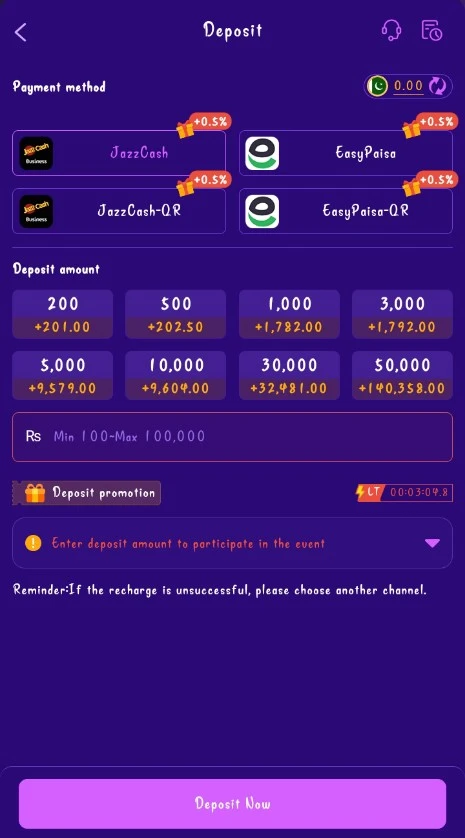
- Go to the Wallet or Deposit section.
- Choose your preferred payment method (Easypaisa, JazzCash, or Bank Transfer).
- Enter the amount you want to deposit (minimum Rs. 100).
- Double-check the details carefully.
- Confirm and complete the payment.
- Your balance will be updated within a short time.
Quick Tips
- Always use a stable internet connection during payment
- Make sure the mobile number or account details are correct
- Keep the payment confirmation for your record